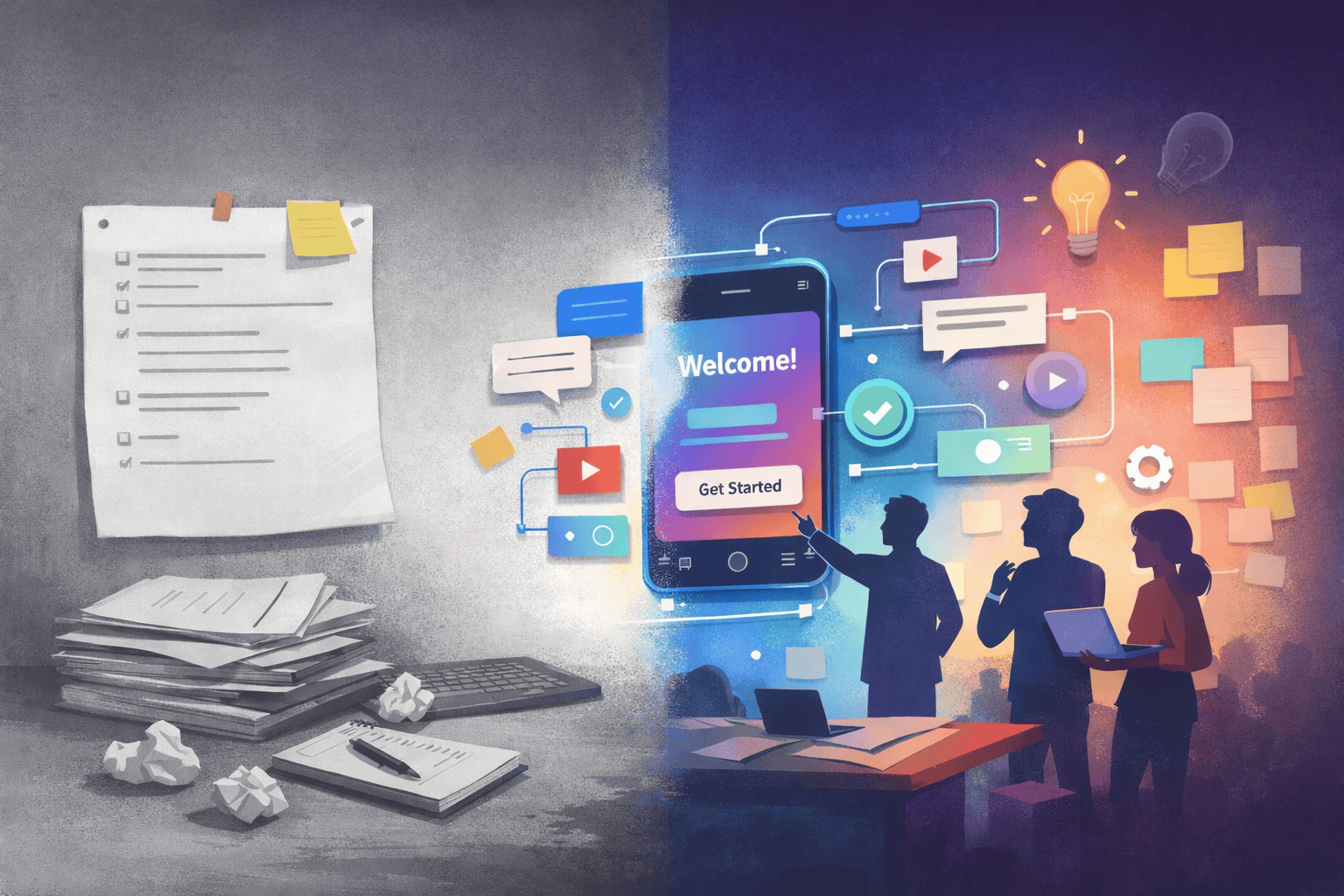
For a long time, product teams relied on long written documents to define what should be built. Requirements, rules, and flows were described in detail in an attempt to predict every possible decision upfront. The problem is simple: products do not come to life in documents. They come to life through interaction.
Today, prototypes are no longer just visual artifacts used at the end of the design process. They are becoming a central thinking tool. A well crafted prototype can explain intent, expose risks, align teams, and replace large portions of traditional product documentation.
When a prototype is clear, it removes ambiguity. Instead of debating abstract descriptions, teams react to something tangible. The conversation shifts from what should happen to what is actually happening. This change raises the quality of discussions and accelerates decision making.
Prototypes also transform collaboration. Designers, product managers, engineers, and stakeholders can interact with the same source of truth. Everyone can test ideas, challenge assumptions, and suggest improvements based on a shared experience rather than interpretations of text.
Another key advantage is early user feedback. Interactive prototypes allow teams to validate behavior before investing in full development. Even incomplete flows generate insights that are far more reliable than assumptions written in a document.
Documentation still matters, but its role changes. Instead of being the starting point, it becomes a support layer. The experience leads, and documentation explains what is not immediately visible.
One of the biggest challenges, however, is starting. A blank canvas can be intimidating. This is where tools like Figma Make can help designers and product thinkers move faster by turning intent into something concrete.
Below is a simple prompt model you can use in Figma Make to break the blank canvas and start exploring ideas.
Figma Make prompt example
Copy and adapt the prompt below based on your context:
“Create an interactive prototype for a digital product focused on solving a real user problem.
The target user is [describe the user].
The main problem to solve is [describe the problem].
Start with a simple core flow that includes:
• An entry point screen
• A primary action
• A feedback or confirmation state
Focus on clarity over visual polish.
Use realistic copy and basic layout structure.
Assume this prototype will be used to discuss behavior and decisions with stakeholders, not final visuals.”
This type of prompt helps transform abstract ideas into something testable. Instead of staring at an empty frame, you start with intent, behavior, and flow. From there, refinement becomes much easier.
Using prototypes as a thinking tool is not about skipping process. It is about shifting where clarity is created. When teams can see, test, and interact with ideas early, they make better decisions and build better products.
If you treat prototypes as living artifacts rather than static deliverables, the blank canvas stops being a blocker and becomes an opportunity.
