UI/UX Designer • Mobile Product
Pawlink Collective
A mobile experience that centralizes pet adoption, donations, and animal welfare initiatives — built around trust between adopters, shelters, and independent rescuers.
Scroll to explore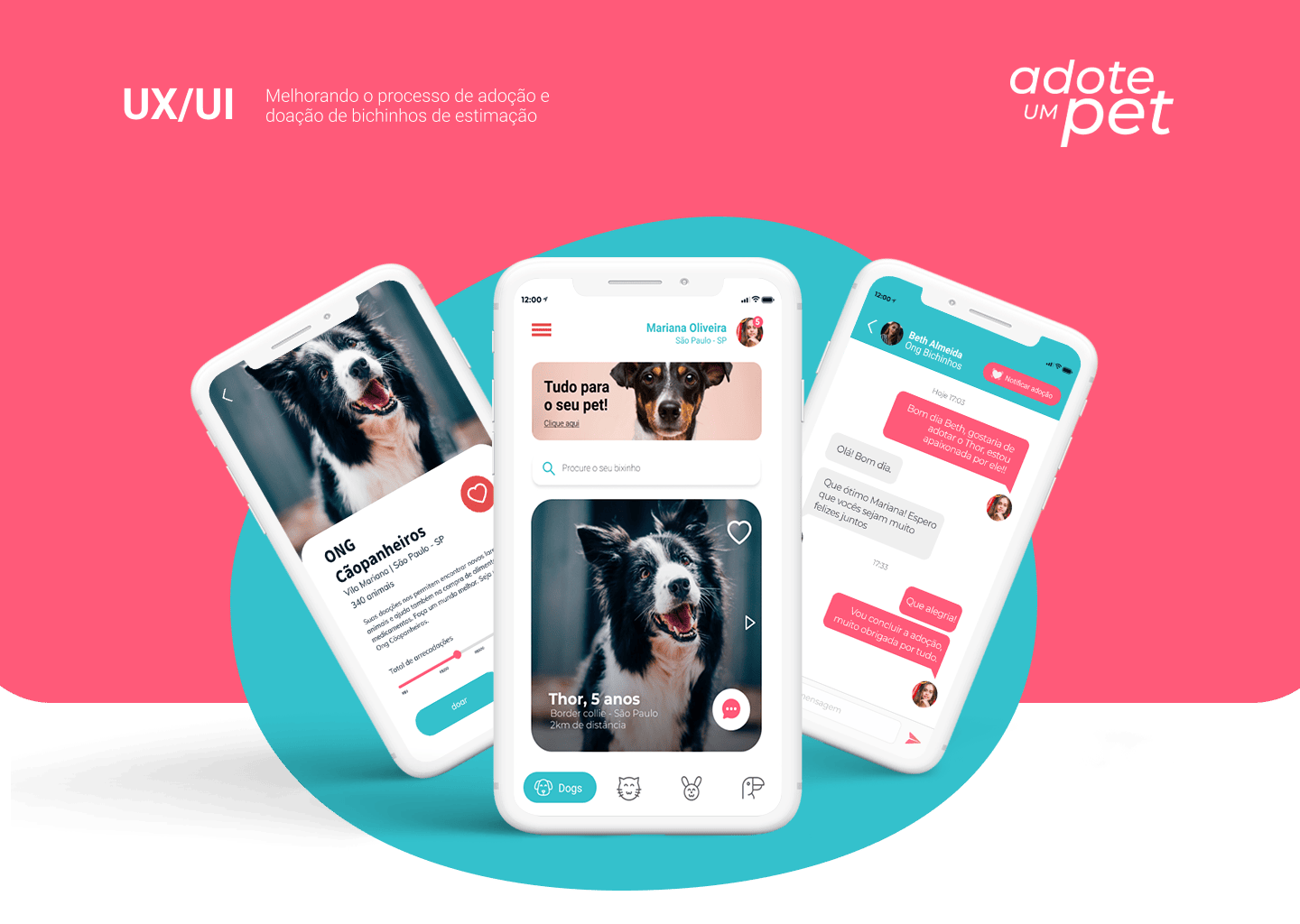
Context
Pawlink Collective approached me to design a mobile solution that could simplify and centralize pet adoption and donation processes while increasing trust between adopters, shelters, and independent rescuers.
The product also needed to support animal welfare initiatives such as partnerships with NGOs, lost pet communication, and donation campaigns — all within a single, easy-to-use experience.
Design Approach
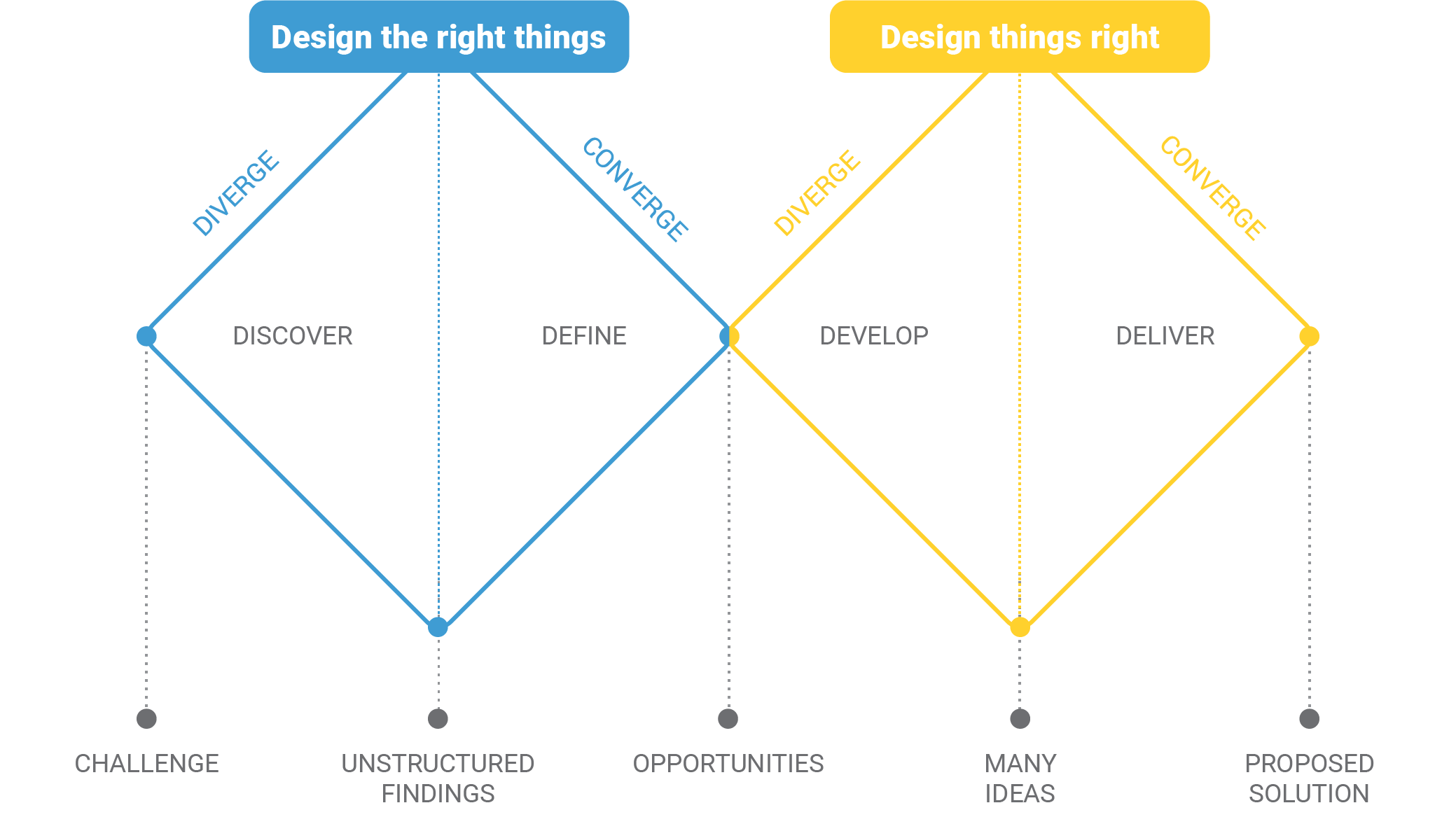
I led the project using the Double Diamond methodology, as it provides a clear and user-centered structure for tackling complex problems. For a product dealing with pet adoption, emotional sensitivity, trust, and transparency were critical — making deep discovery and validation essential before moving into solution design.
Design Process
-
Strategic Alignment
My focus was on understanding both the business objectives and the ecosystem around pet adoption. I facilitated alignment sessions using frameworks such as Do’s and Don'ts and the 360º View Canvas. These tools helped clarify the value proposition, define boundaries for the product, identify risks, and align expectations across stakeholders.
This groundwork ensured design decisions were guided not only by user needs, but also by realistic business constraints and long-term goals.
-
Proto Personas and User Journeys
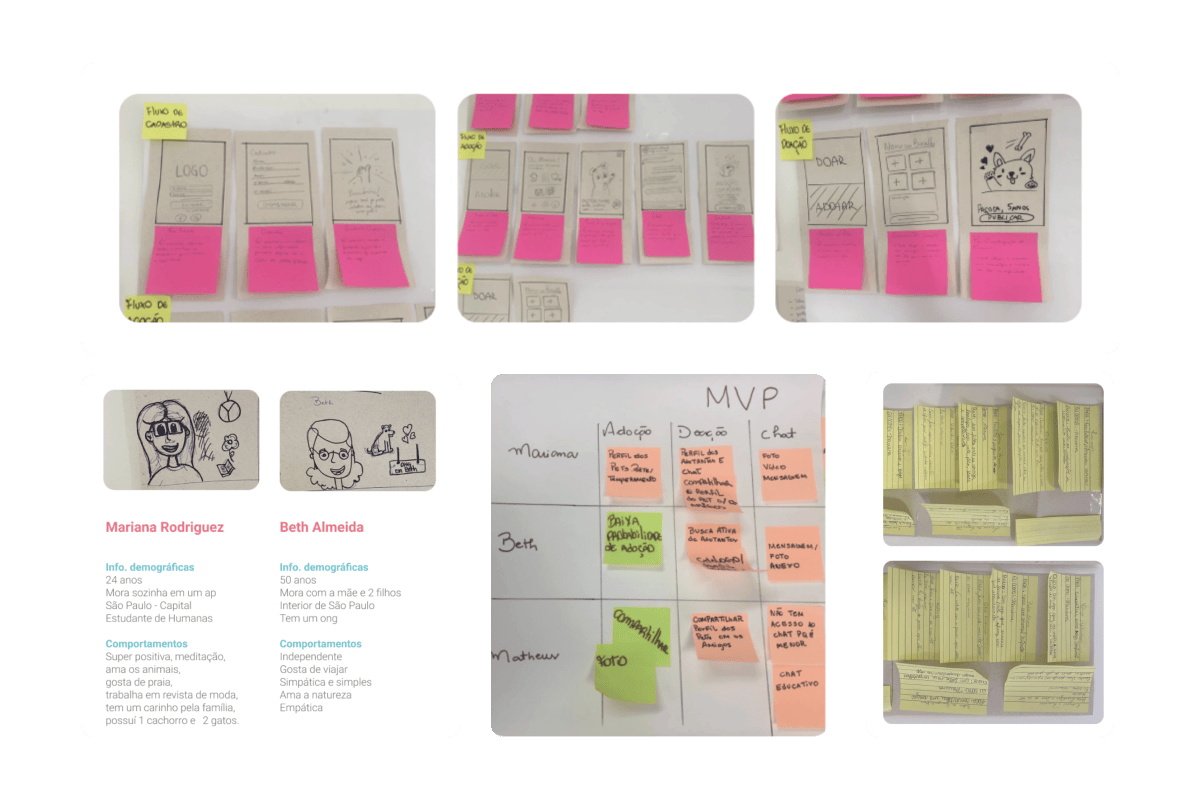
I developed proto personas to represent the main user groups: potential adopters, rescuers, and shelter managers. The process started with desk research to understand market behavior and existing solutions, followed by user interviews to validate assumptions, uncover pain points, and better understand the emotional drivers behind adoption and donation decisions.
Based on these insights, I created storytelling scenarios and user stories to visualize real-world contexts, motivations, and frustrations. This mapped the user journeys and aligned the product vision around a well-defined Minimum Viable Product (MVP).
-
Problem Definition
Insights from the interviews allowed me to clearly define the core problem the product should address. This was the turning point of the project: it brought clarity and focus to the design effort, ensuring that every solution responded directly to real, validated user needs.
-
Ideation and Co-creation
I led ideation sessions to explore multiple solution paths. Techniques such as Crazy 8s were used to quickly generate and evaluate ideas, encouraging divergent thinking before converging on the most promising concepts.
-
Prototyping, Testing, and Refinement
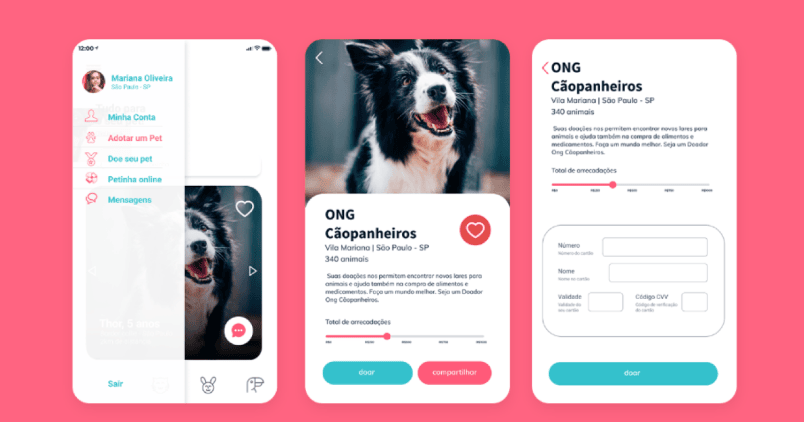
I built an interactive prototype in Figma, validated it through moderated usability sessions, and iterated on the interface based on what the tests revealed.
Usability Testing
After building an interactive prototype in Figma, I ran usability testing sessions to validate navigation, flows, and key features.
Participants were recruited based on the defined personas and included adopters and people involved in animal rescue. Tests followed a task-based approach:
- Searching for pets available for adoption
- Filtering by location and pet characteristics
- Registering lost or found pets
During the sessions I observed task completion time, navigation clarity, and error frequency, while encouraging participants to think aloud to capture emotional responses and expectations.
Refinements
Based on testing feedback, I refined the interface by improving button visibility, enhancing color contrast for accessibility, and simplifying certain navigation paths. These changes reduced cognitive load and strengthened the emotional connection throughout the adoption journey.
Final Solution
The final product delivered a trustworthy, emotionally engaging, and easy-to-navigate experience that supports pet adoption, donations, and animal welfare initiatives.
The solution aligned user needs with Pawlink Collective's mission, providing a scalable foundation for future growth and partnerships.
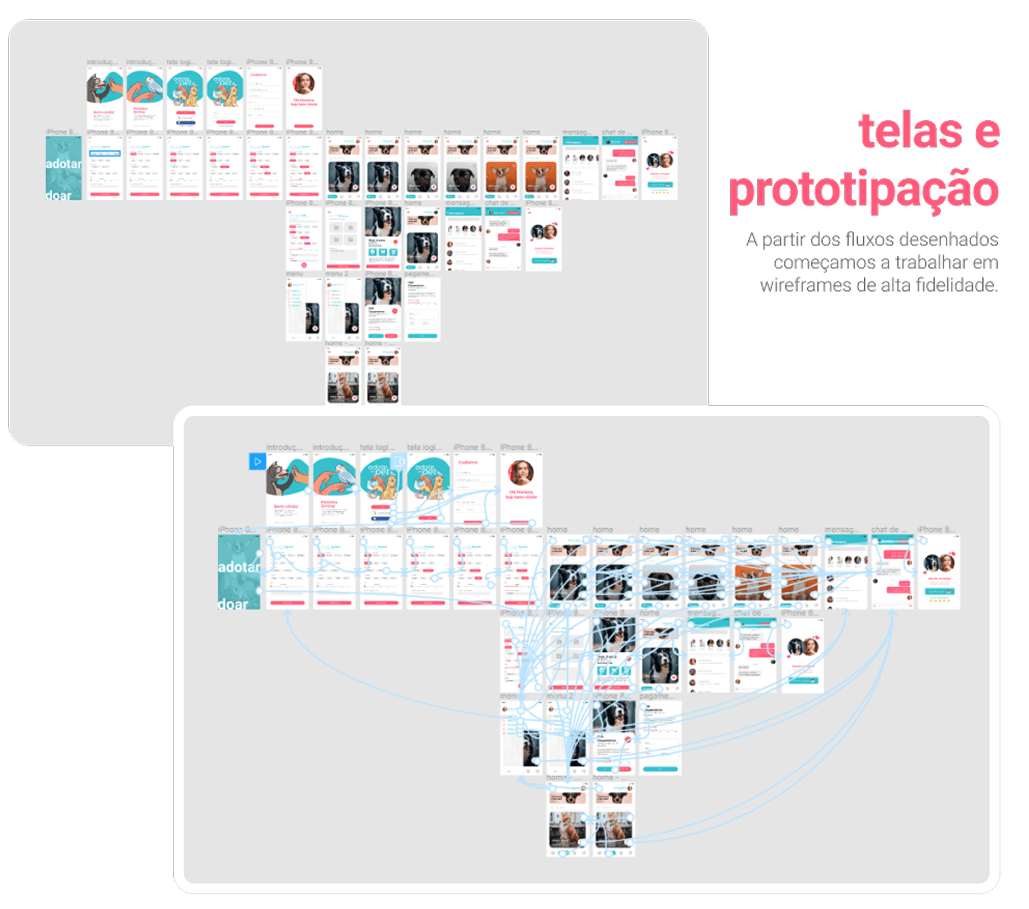
Interactive Prototype
Prototype hosted on Figma. Use the arrows or click the hotspots to navigate.